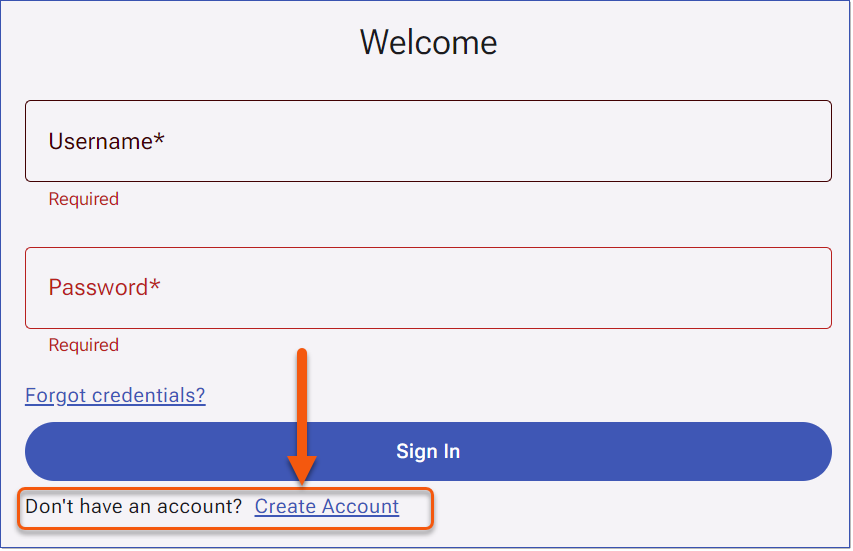
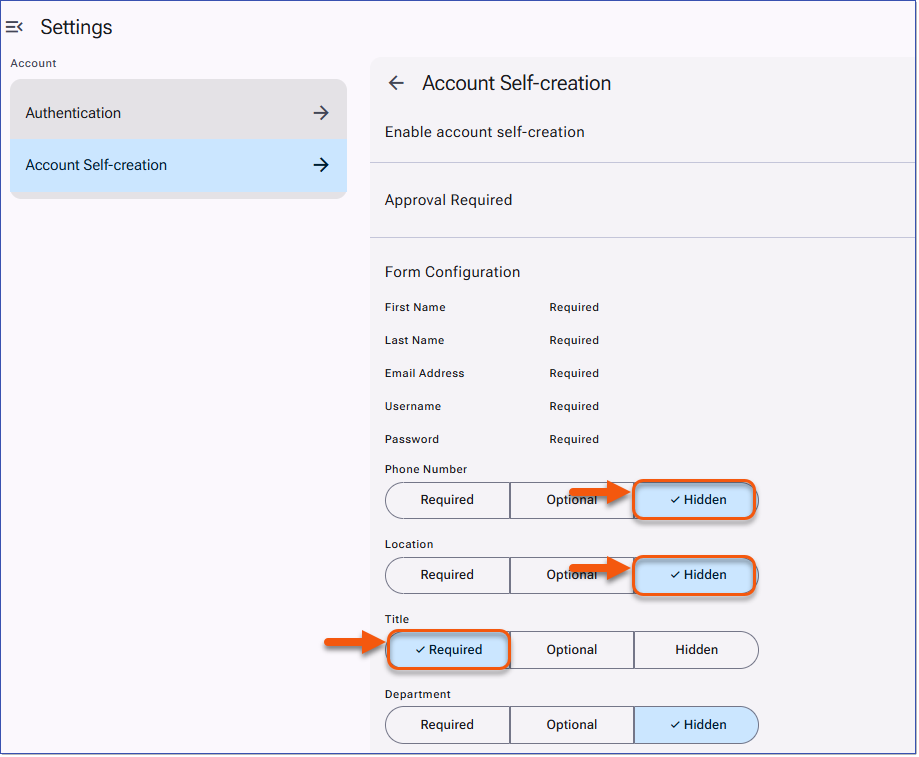
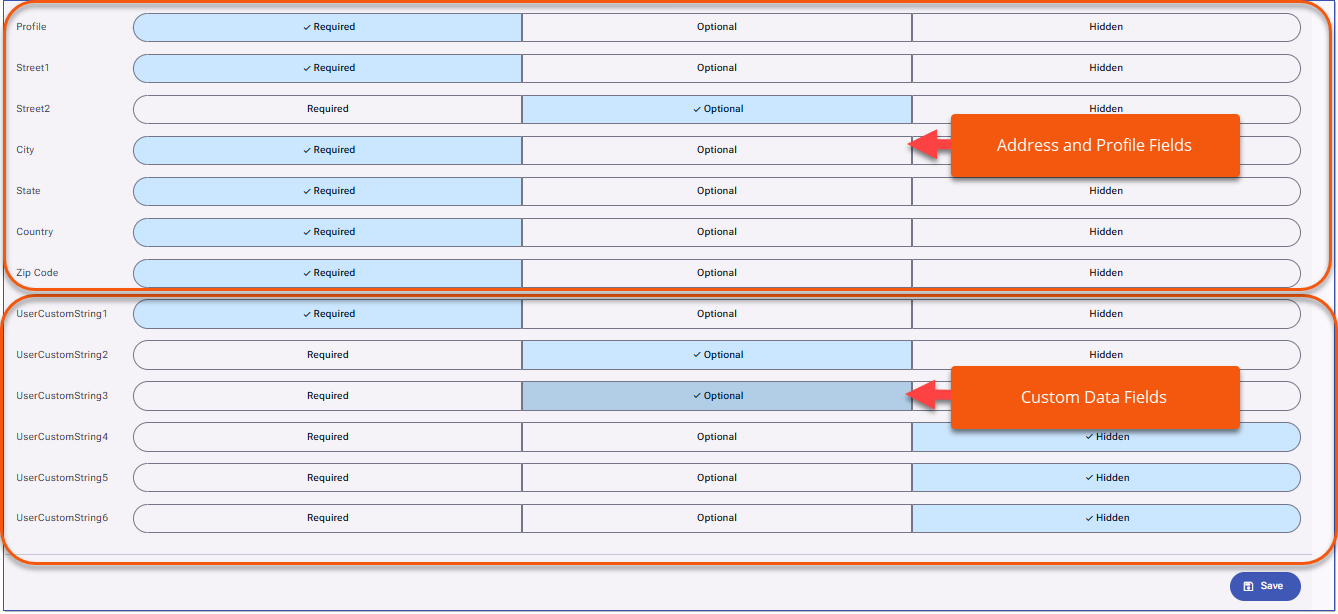
When Create Account is available on the Sign In page, users can select the link to open the Create Account form. The form displays the fields the administrator has chosen in Form Configuration, such as First Name, Last Name, Email Address, Username, Password, and any additional learner data fields you have made available.
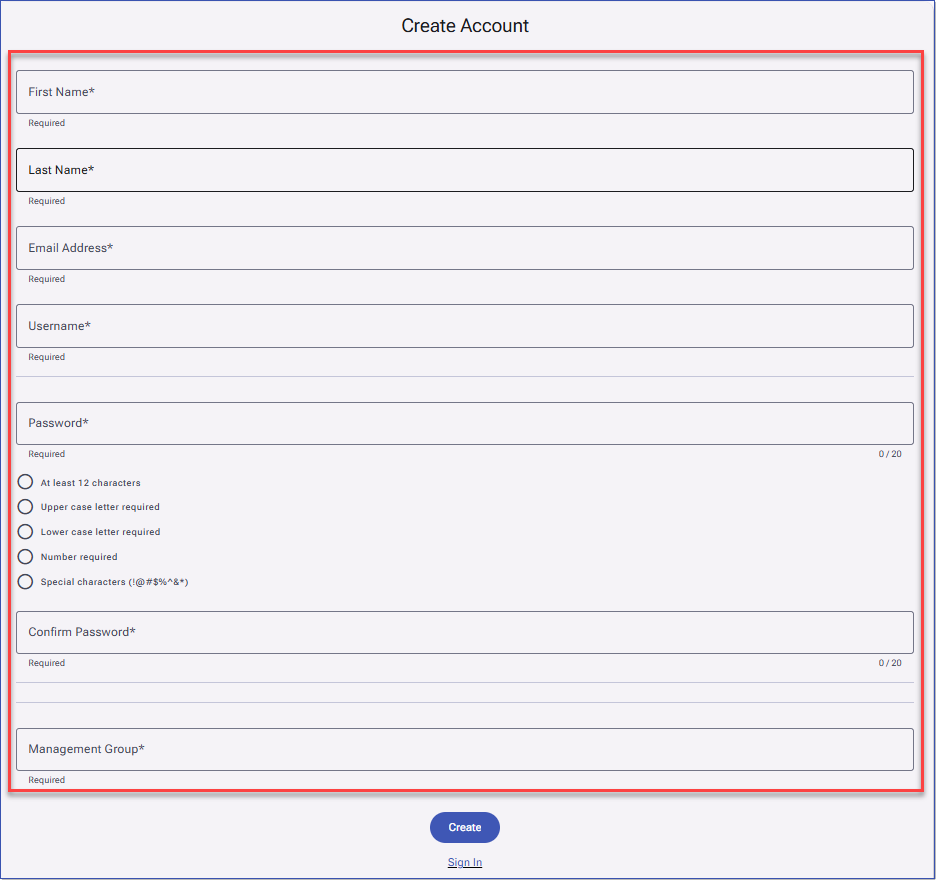
Required fields are marked with the asterisk (*) and must be completed before an account request can be submitted. Optional fields are included, may be completed during registration or left blank. Hidden fields are not displayed on the form.
To Create an Account:
1.The user selects Create Account from the Sign In page.
2.The user completes the account creation form, ensuring all required fields are filled in.
3.The user clicks Create to submit the form. Depending on the configuration, the account is either created immediately or sent for approval.
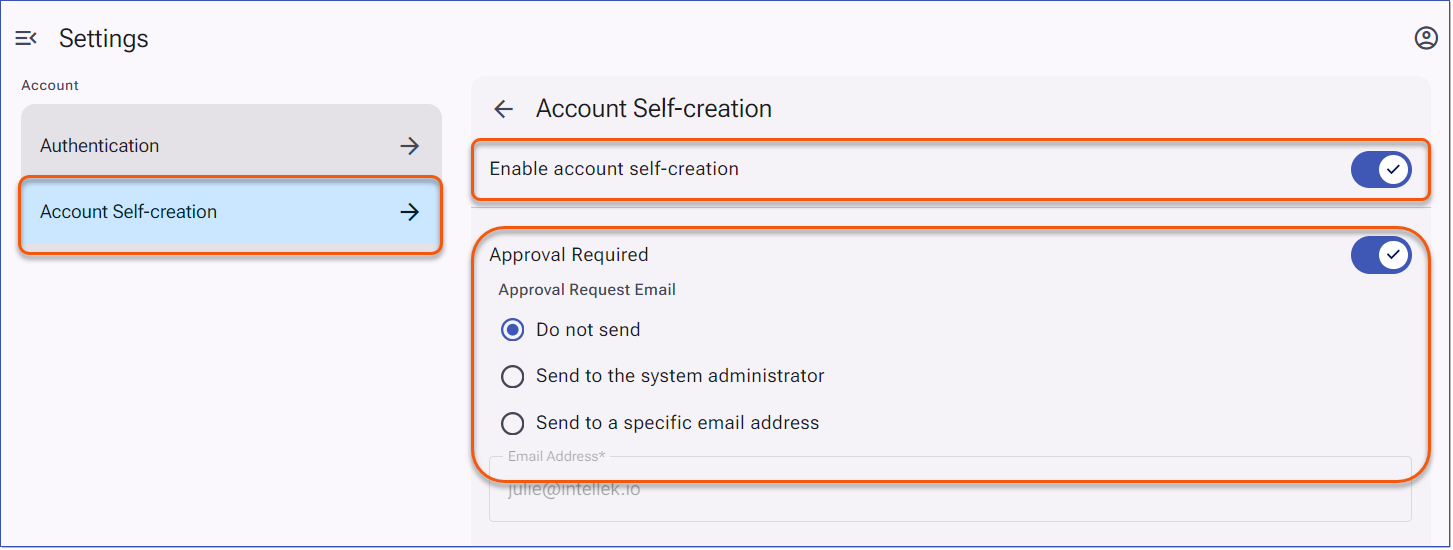
If Approval Required is enabled, the account remains in an approval-requested status until an administrator approves the request. If approval is not required, the user can typically sign in immediately.
|