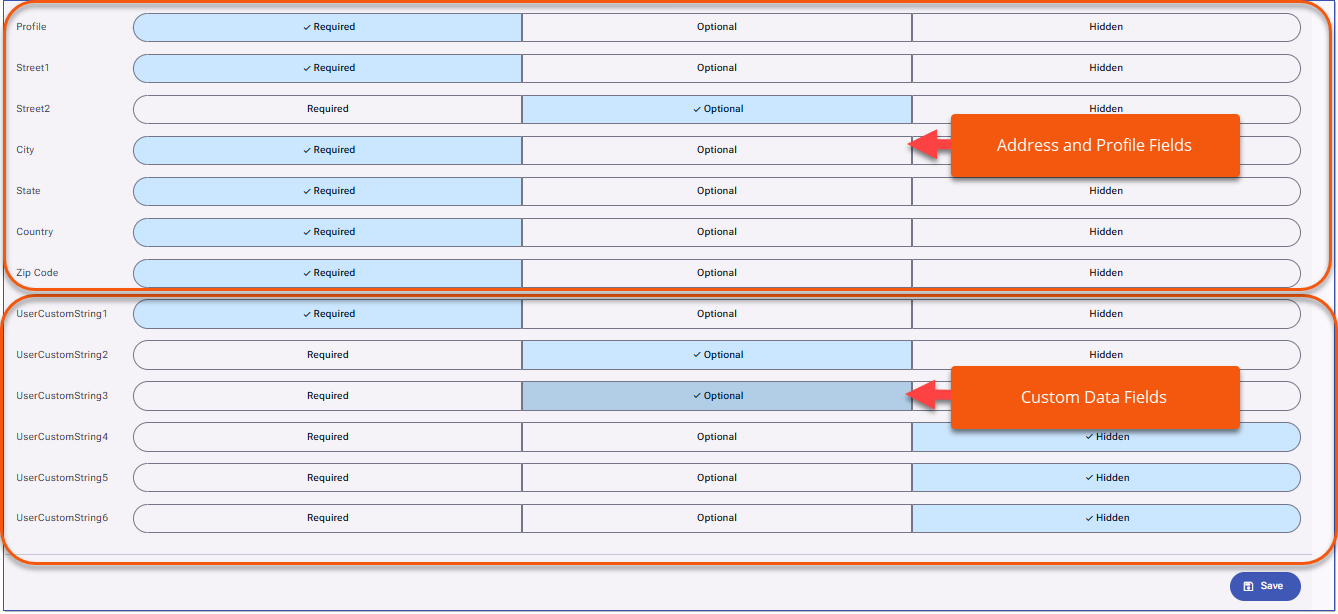
The six new custom data fields are available for those using Account Self-Creation and can be displayed on the Account Self-Creation page to allow for the collection of additional information. Administrations can determine if the fields are display as optional or required. In addition, User Address fields and User Profile is available to the Account Self-Creation page. Adding Custom fields to Account Self-creationAdministrators determine which of the custom data fields are included on the Account Self-creation page and if the fields display as optional or required. 1.Navigate to Settings > Setup Authentication 2.Select Account Self-creation a.If required, enable account self-creation. 3.In the Form Configuration section, scroll to the new custom learner data fields and adjust the options to determine if each field is Required, Optional, or Hidden. Administrators also have the option of including the User Address fields and the Profile field on the Account Self-creation page to collect this information from Users during the account creation process.
|