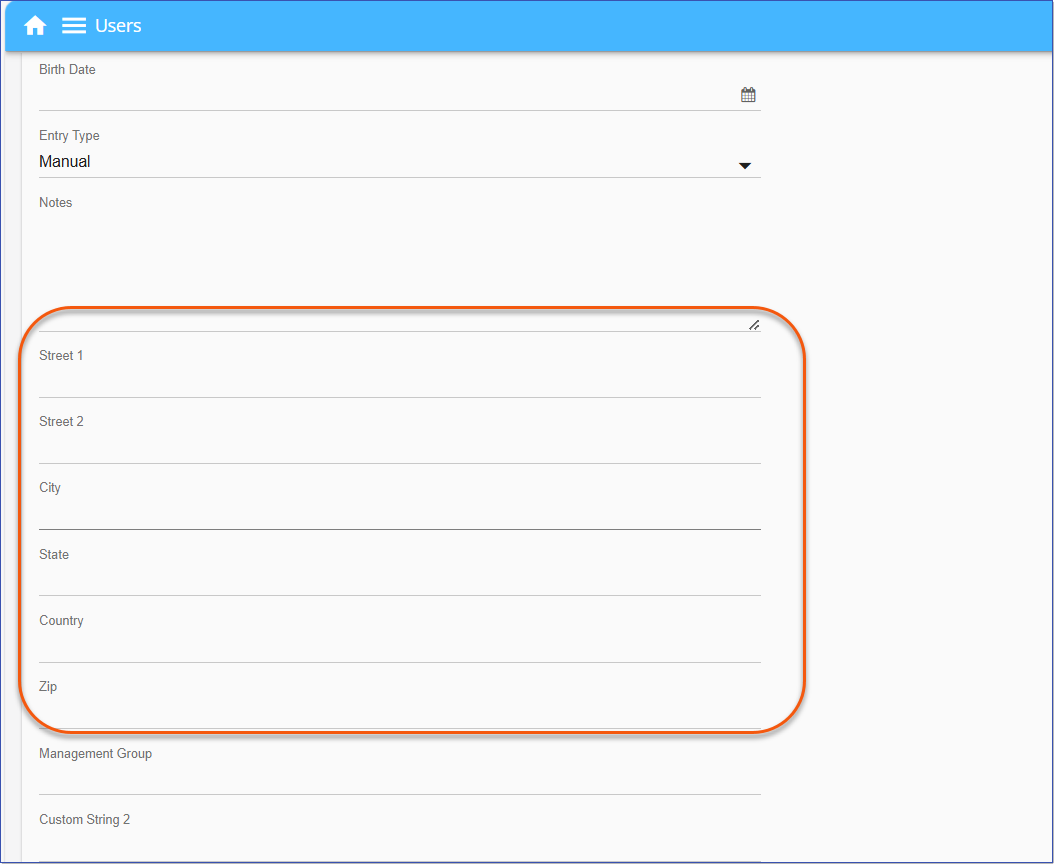
Address fields have been added to the User detail page, allowing administrators to Edit/Add/View address information for Users. All fields are optional. The address fields size specifications are as follows: •Street 1 (255 characters) •Street 2 (255 characters) •City (255 characters) •State (255 characters) •Country (255 characters) •Zip (25 characters) View/Edit Address1.Navigate to Users > and select a User's Last, First name in the grid to open the User detail page or select a row in the Users grid and click Edit Record 2.Scroll down to view the Address fields listed above the Custom data fields. 3.Enter the address information and click Save to complete.
API exportThe address fields can be exported via the API / JSON data. When a GET on API endpoint Users is used, any populated address field for each User will be exported into the JSON with data in the data field. Non populated address fields will be exported into the JSON with blank values. Export to ExcelThe address fields will now be included in the exported User data, CSV file. 1.Navigate to Users > Export |
 .
.
 to generate the CSV file.