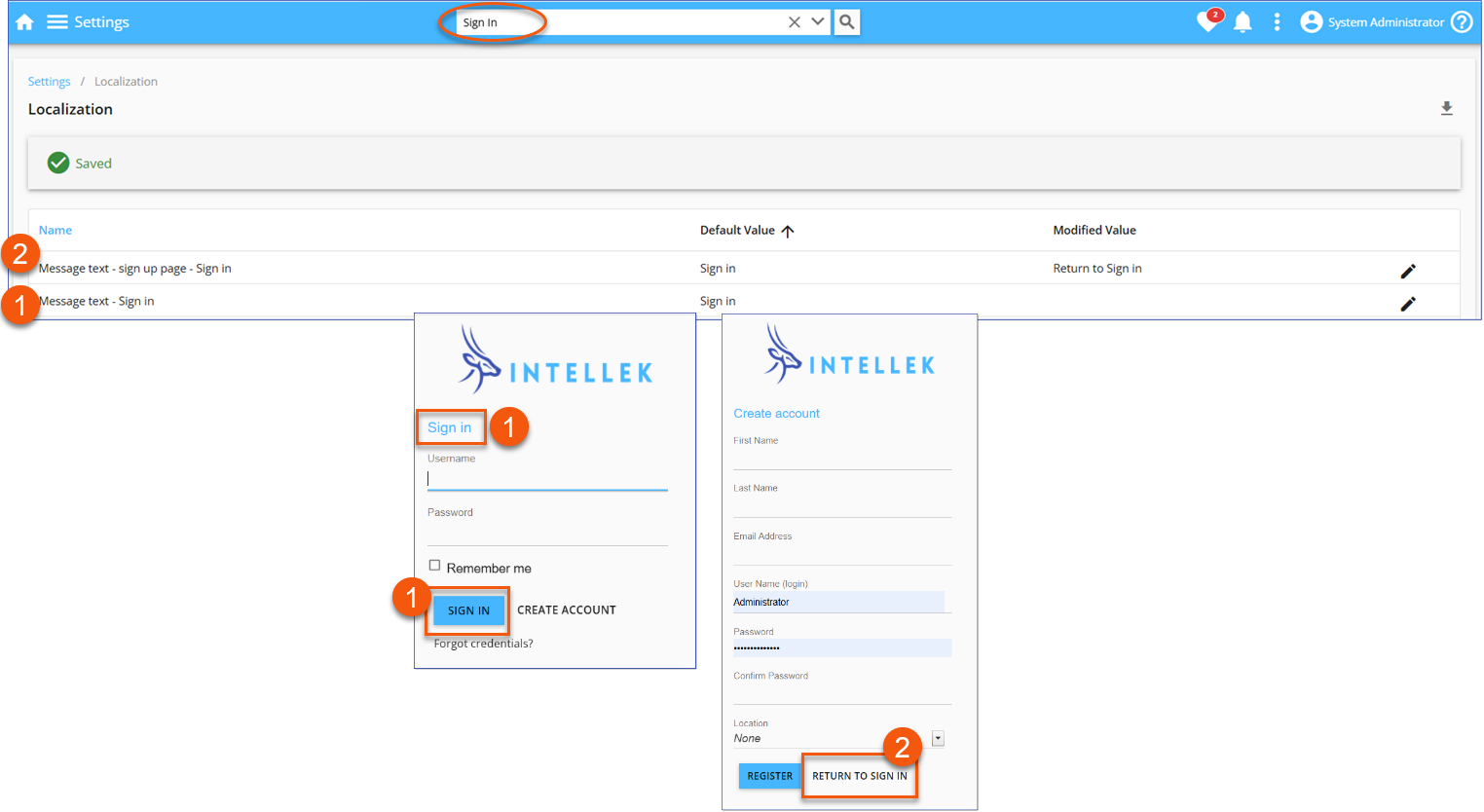
The LMS includes a Localization feature that allows you to customize certain text strings used across the platform. This is useful for adapting language to different regions, aligning terminology with your organization's standards, or meeting specific compliance requirements. When using this feature, it is important to test your updates carefully to ensure they don't unintentionally affect other parts of the LMS.
Localization
1.From the left navigation menu, go to Settings > 3-dot menu > Localization.
2.Search for the text string you want to update, i.e. "Sign in".
3.Click on the row for that text string, then click the pencil icon to enter a modified value.
4.Enter your new text, and click the checkmark to save.
5.You can use the pencil icon at any time to edit or remove the modified value.