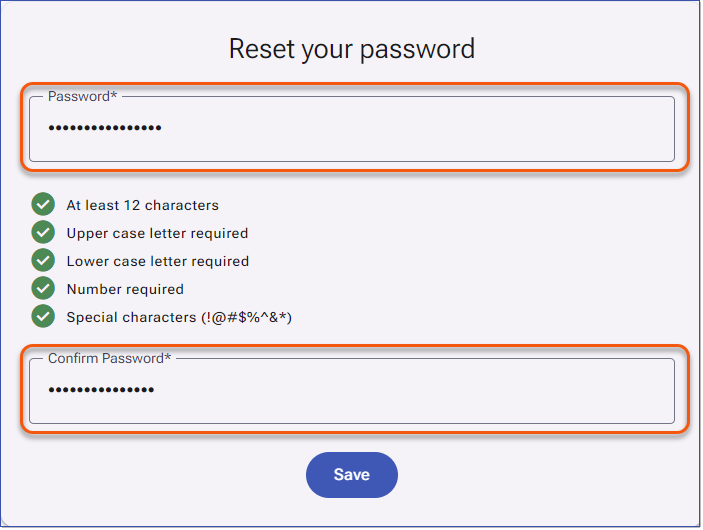
LMS v4 offers several authentication options (Username/Password, SSO, or both). The login page displayed to users depends on how authentication is configured in your system. See Configuring Authentication Methods.


For LMS v4 instances using Single Sign-on authentication, Users will be presented with a Single Sign-on login splash page when they first sign in to the LMS. After two hours of inactivity, Users will be redirected to the LMS login page to re-authenticate. 1.Users click the Single Sign-on button. After a brief authentication window appears, the LMS is displayed. 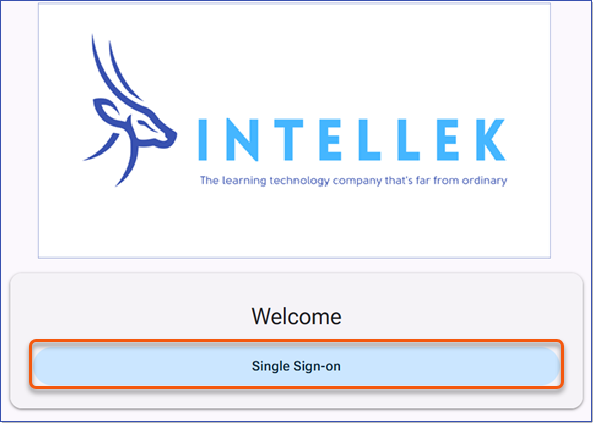 Single Sign-on Login Splash Page
|

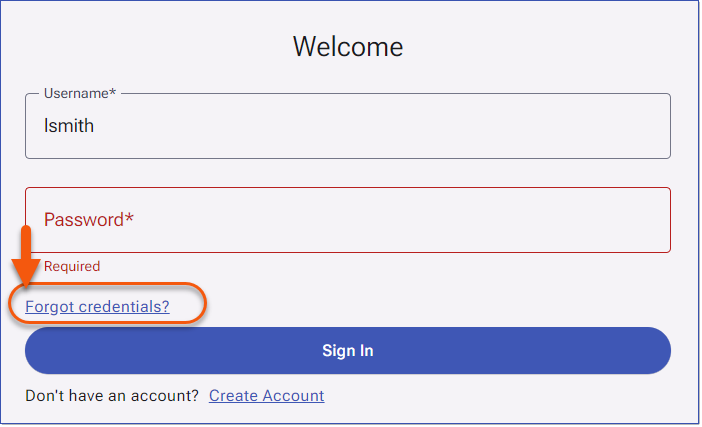
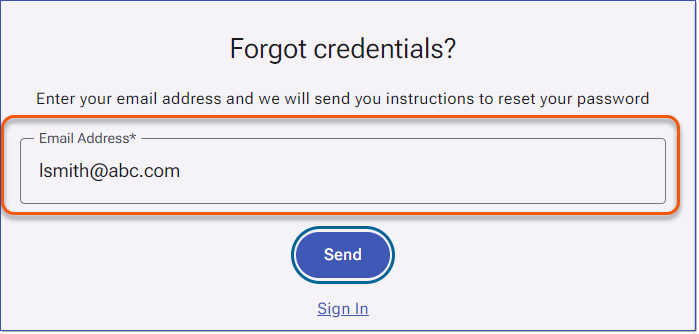
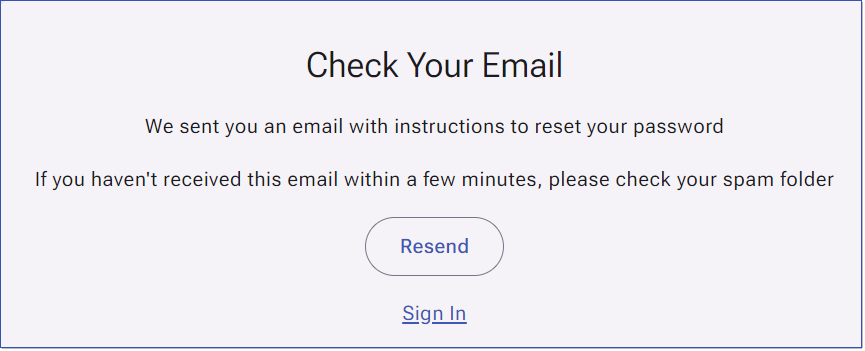
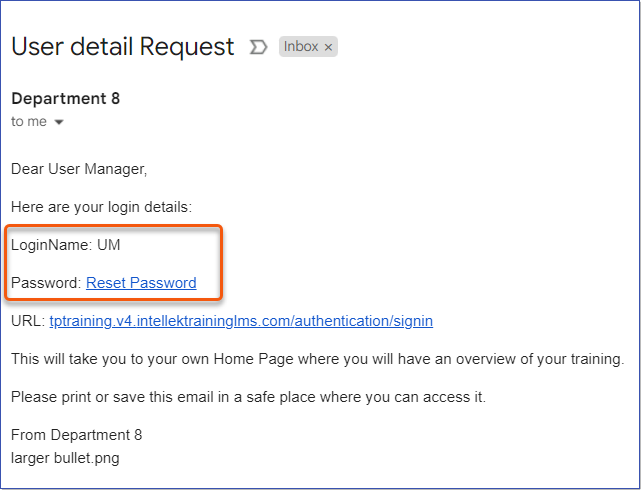
When the Username and Password authentication method is enabled, Users will sign in using the credentials created directly in the LMS. These accounts are authenticated by the LMS itself, not through your organization's network or SSO. Users will be prompted to sign in with their LMS Username and Password. This authentication method is commonly used for external Users who do not have a network account but still require access to LMS content. 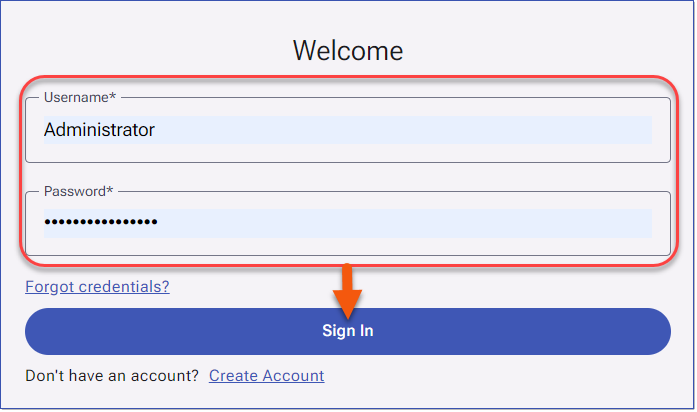 Username and Password Sign In Users can click the Forgot credentials? link to reset the password. See Password_Requirements |
|