1.Navigate to the Calendar.
2.Click Add Event  . Alternatively, click on a date in the Calendar grid to schedule an Event on that date. . Alternatively, click on a date in the Calendar grid to schedule an Event on that date.
3.Click  . .
4.Search for and select the Course.
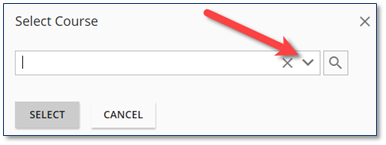
a.To search for the Course:
•In the Free text search box, enter the complete or portion of the Course name.
•Click Show filters  to view more information by which you can refine the search filter options. Select any appropriate criteria to assist you in returning an accurate search result. to view more information by which you can refine the search filter options. Select any appropriate criteria to assist you in returning an accurate search result.
b.Click  . .
5.In the search results, click the Course that you wish to schedule as an Event on the Calendar.
6.Click .
 If the wrong Course is displayed in the Add Event details page, click the button to the right of the Course field to perform a new search. If the wrong Course is displayed in the Add Event details page, click the button to the right of the Course field to perform a new search.
7.Complete the Add Event Details.
a.Name – Populated from the Course Details. This can be modified when scheduling the Event on the Calendar, if required.
b.Event Description – Populated from the Course Description on the Course Details. If required, modify the Description for the Event being scheduled.
c.Event Dates – In the Date From and Date To fields, enter the appropriate data or use the calendar  and time and time  popups. popups.
The Time Zone displayed in the Event Dates section reflects the Time Zone of the user who is creating the Event until a different Location is selected. If a different Location is selected, it will change to the appropriate Time Zone of the selected Location.

The Date To is automatically completed after setting the Event Date From based on the Duration entered in the Course Details. If the Event length will be different, this field can be modified as necessary.
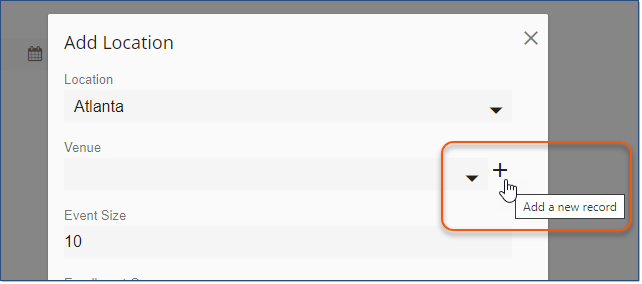
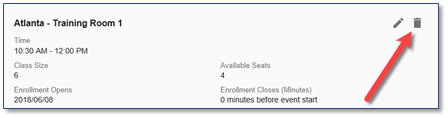
d.Location – Click Add Location to set the location details for the Event. Remember, Locations are generally populated based on the Import_Learners.xlsx sheet and the Locations assigned to end-users. In the Add Location window:
i.Click the Location arrow to select the appropriate Location.
ii.Click the Venue arrow to select the appropriate Venue. The available Venues are based on the Venues associated with the selected Location.
iii.Enter the number of available seats for the Event. Defined by the Scheduled Course Type Defaults. You can override the class size based on the Location/Venue information you have chosen.
iv.The Enrollment Opens and Enrollment Closes fields are populated from the Course Details. If required, these fields can be modified when scheduling the Event on the Calendar.
v.Click  . .
e.Contacts – Click Select Contacts to select and assign varying levels of Contacts (i.e., Trainer(s), Speaker(s), Technical Support, etc.) for the scheduled Event.
i.To search for and select Contact(s):
•In the Free text search box, enter the complete or portion of the Contact name.
•Click Show filters to view more information by which you can refine the search filter options. Select any appropriate criteria to assist you in returning an accurate search result.
ii.Click .
iii.In the search results, click the check box(es) next to the Contact(s) that you wish to assign to the Event.
iv.Click .
After saving the Event details, the Event Contact(s) will receive an Outlook appointment for the Event.
If you need to change the Contact Type, for example, Jane Doe has been added as a Trainer, but she is the Speaker for this Event, simply Edit  the record and make the change. the record and make the change.
To remove an assigned Event Contact, click the  to the left of the Contact name in the Contacts section of the Add Event page. to the left of the Contact name in the Contacts section of the Add Event page.
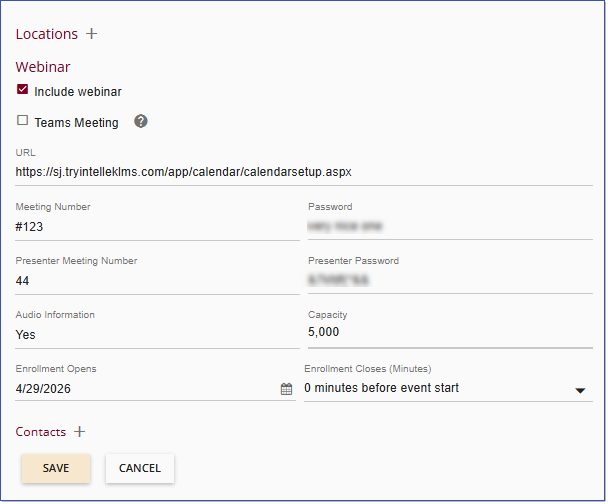
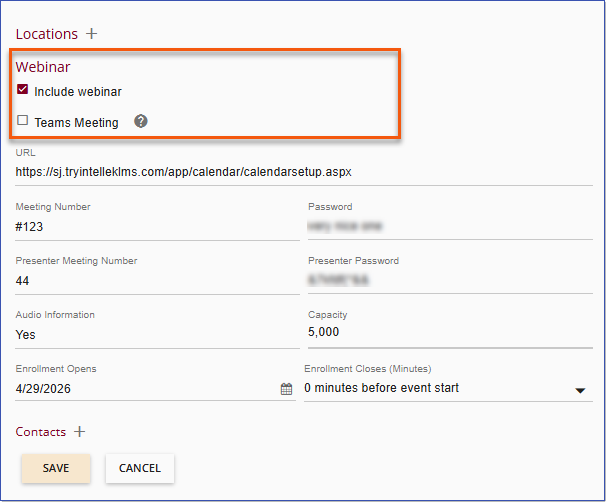
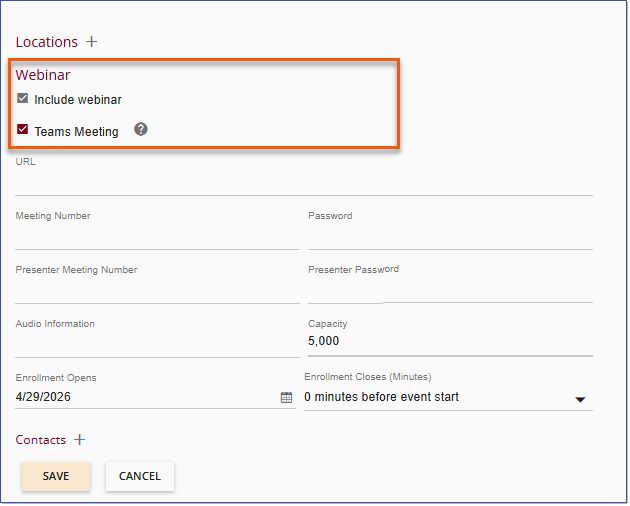
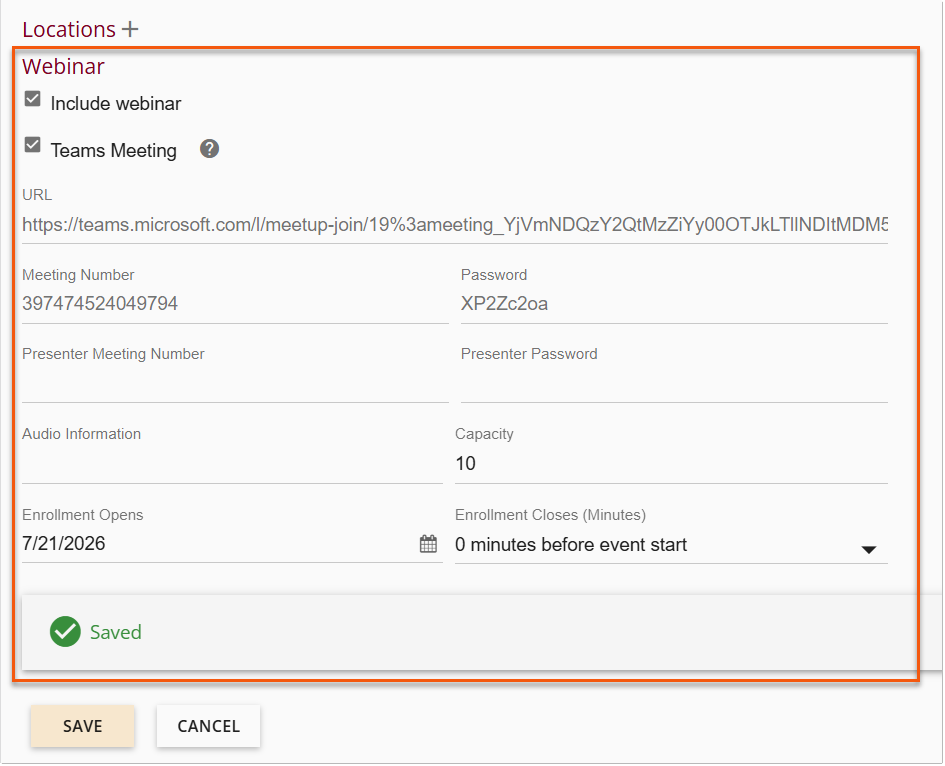
f.Webinar – See the Webinar Events topic to include webinar connection information.
8.Click  to create the Event and display the Event Details. to create the Event and display the Event Details.
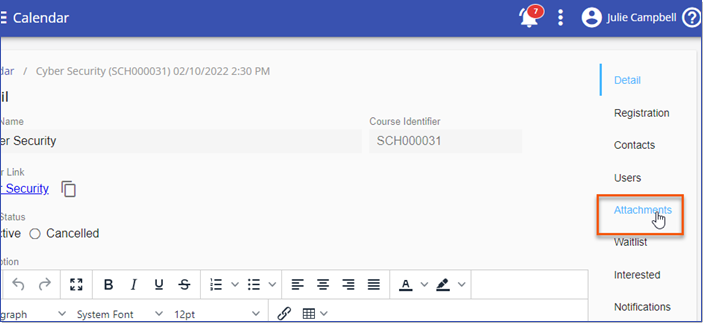
9.The Event Detail page will automatically display in order to add or edit the remaining details for the Event. Additional fields that now display on this page are:
a.Event Status – Active should be selected.
b.Learner Link – Copy this link to send to one or more users in an email message.

If you are using GoOgle Chrome as your browser, click the words of the Event Name in the graphic above to copy the link. For Internet Explorer users, click the icon at the right of the Event Name to copy the link.
c.Certificate – Click the Certificate arrow to select the appropriate Certificate for users to print upon completion of attendance for the Event.
A Certificate Type of “Course” must be created before a Certificate can be associated with an Event. Only active Course Certificates will display in the list.
d.Survey – Click the Survey arrow to select the appropriate Survey for users to take and submit upon completion of attendance for the Event.
A Survey must be created before a Survey can be associated with an Event. Only published Surveys will display in the list.
10.Add or edit additional information, if required.
11.Click .
|




 ) or (
 .
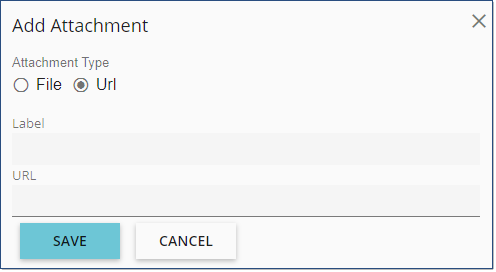
.


 icon to change the Calendar view.

 button and complete the required filtering option(s).


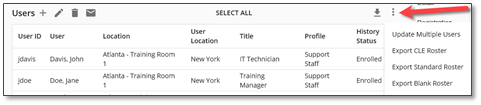
 icon to the left of the three dot Options icon allows you to export the UserID, UserName, Location and Status for each enrolled user to Excel. The information can then be formatted to meet your needs.